
FRAGMENT
Instagram grid maker
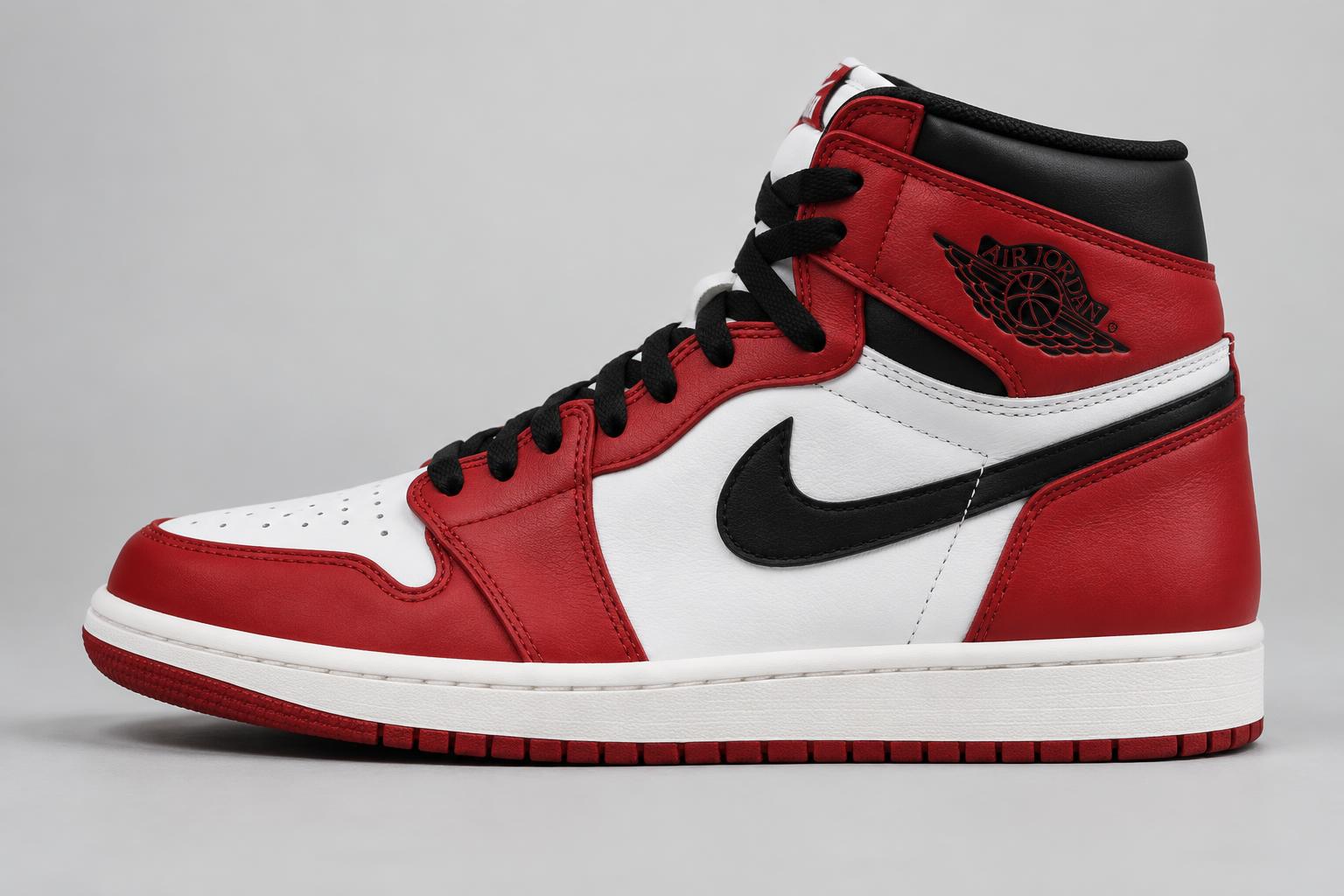
jordan-1-chicago-white-toe.jpgOpening image…
SAMPLE IMAGEDrop a new image anywhere here, or browse filesPNG · JPG · WEBP · +
Your slices 0
WEBP · 0 B totalHow to make an Instagram grid
Upload a wide photo, choose how many posts it should span — three is the classic row on your profile — and FRAGMENT splits it into perfectly aligned images. Use a vertical split for a profile row or a seamless carousel, or a horizontal split for stacked posts.
Crop the whole image to frame it, adjust slice widths with custom percentages, add borders or rounded corners, then download every post as PNG, JPG or WebP. Upload them in reverse order so the grid lines up on your profile. Your photos never leave your device.